Full Description
View Full Description
Essential tools for effortless music creation
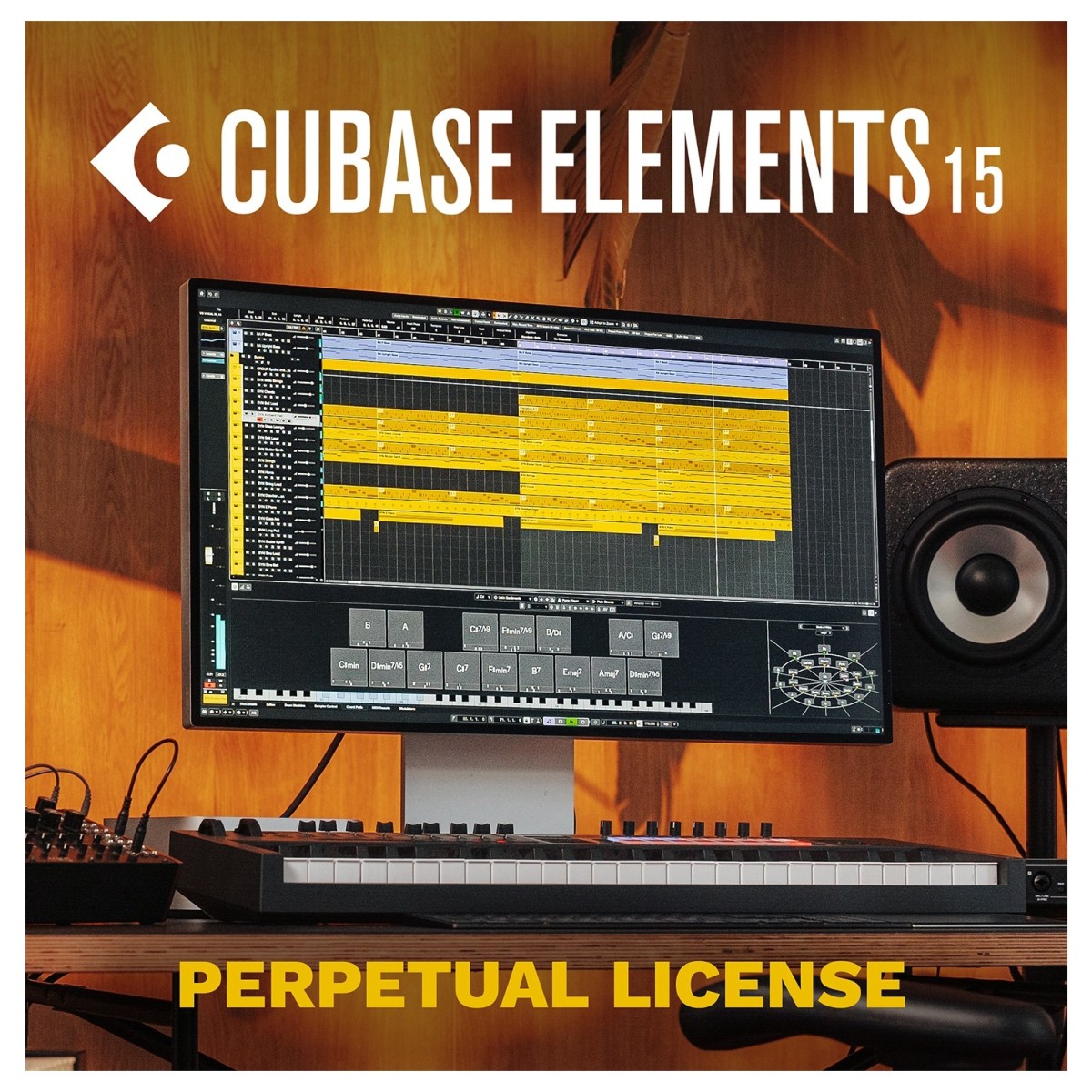
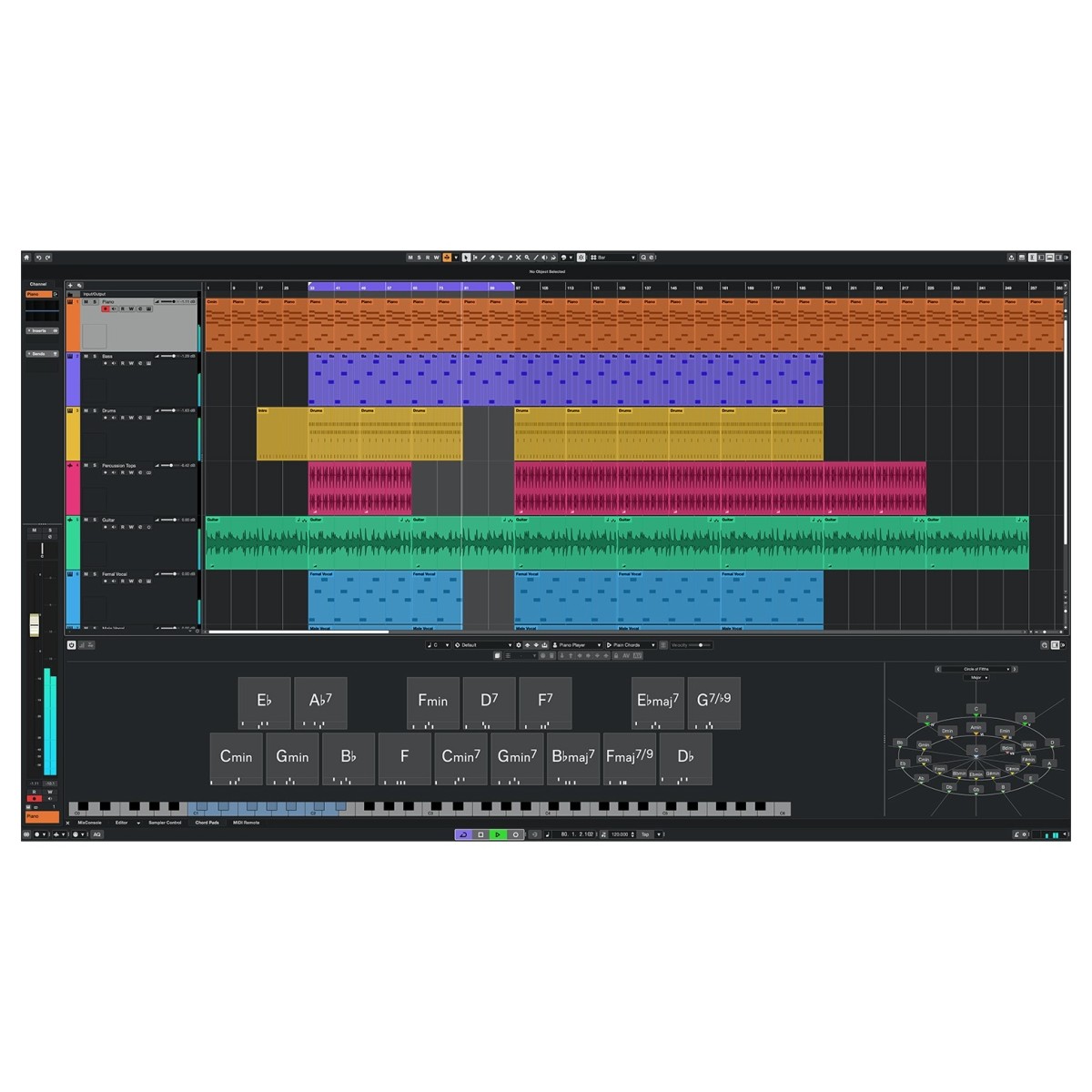
Cubase 15 Elements provides the perfect starting point for anyone ready to record and produce their own music. Its clear layout and guided workflow make it simple to move from idea to finished track without getting lost in technical detail. You can record multiple tracks of audio with the same pristine quality found in Steinberg’s professional versions, while full MIDI support lets you sequence virtual instruments and external hardware with precision. The built-in Chord Pads, Chord Track, and Scale Assistant make it easy to experiment with harmonies and melodies even if you’re still learning the theory behind them. Everything you need to compose, arrange, and mix is right at your fingertips.
Cubase 15 Elements runs on Steinberg’s award-winning audio engine, delivering rich, low-latency performance for both recording and playback. Whether you’re tracking vocals, guitars, or keys, you’ll hear every detail clearly and naturally. Plus, the streamlined interface ensures you spend less time navigating menus and more time making music.
New features that make creativity simple
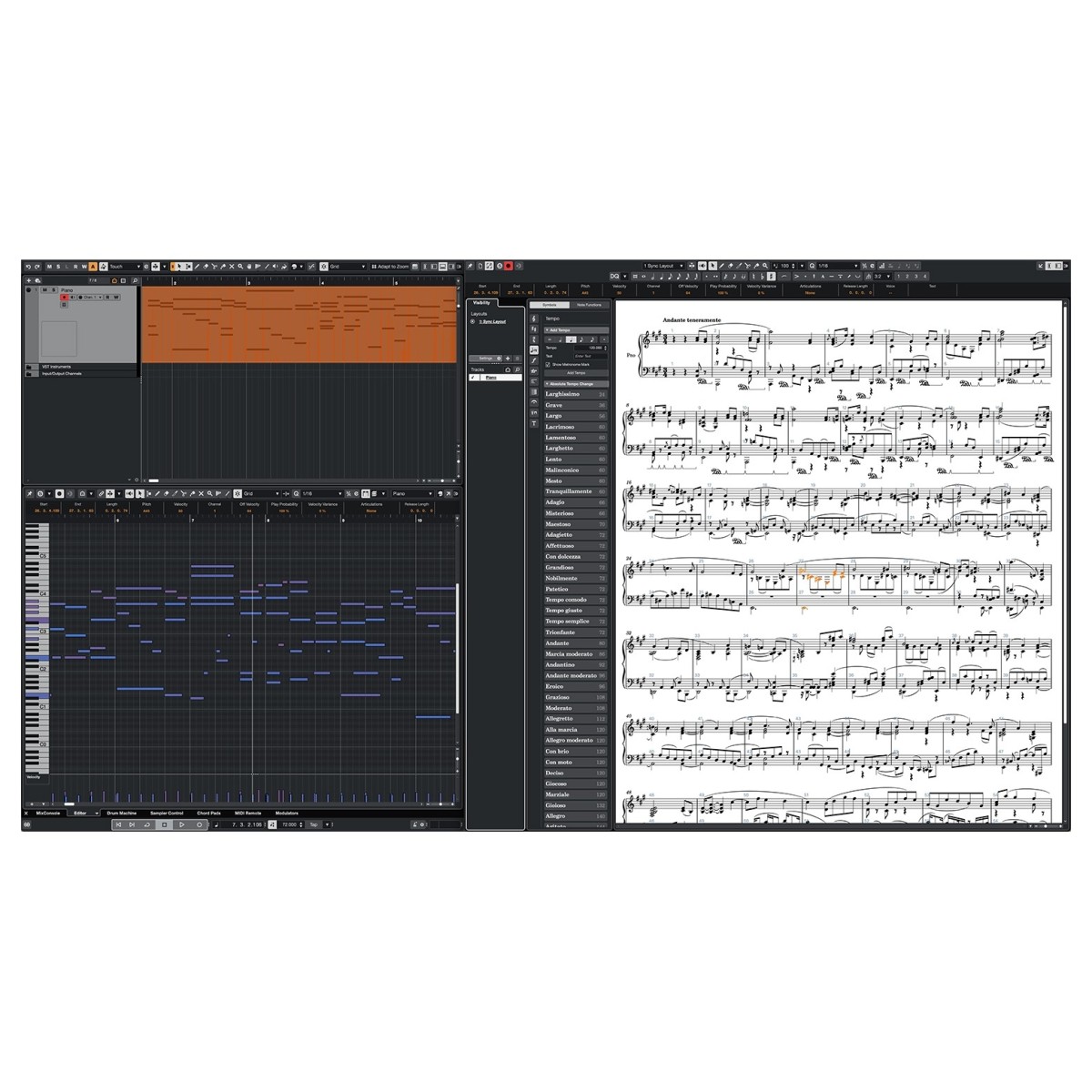
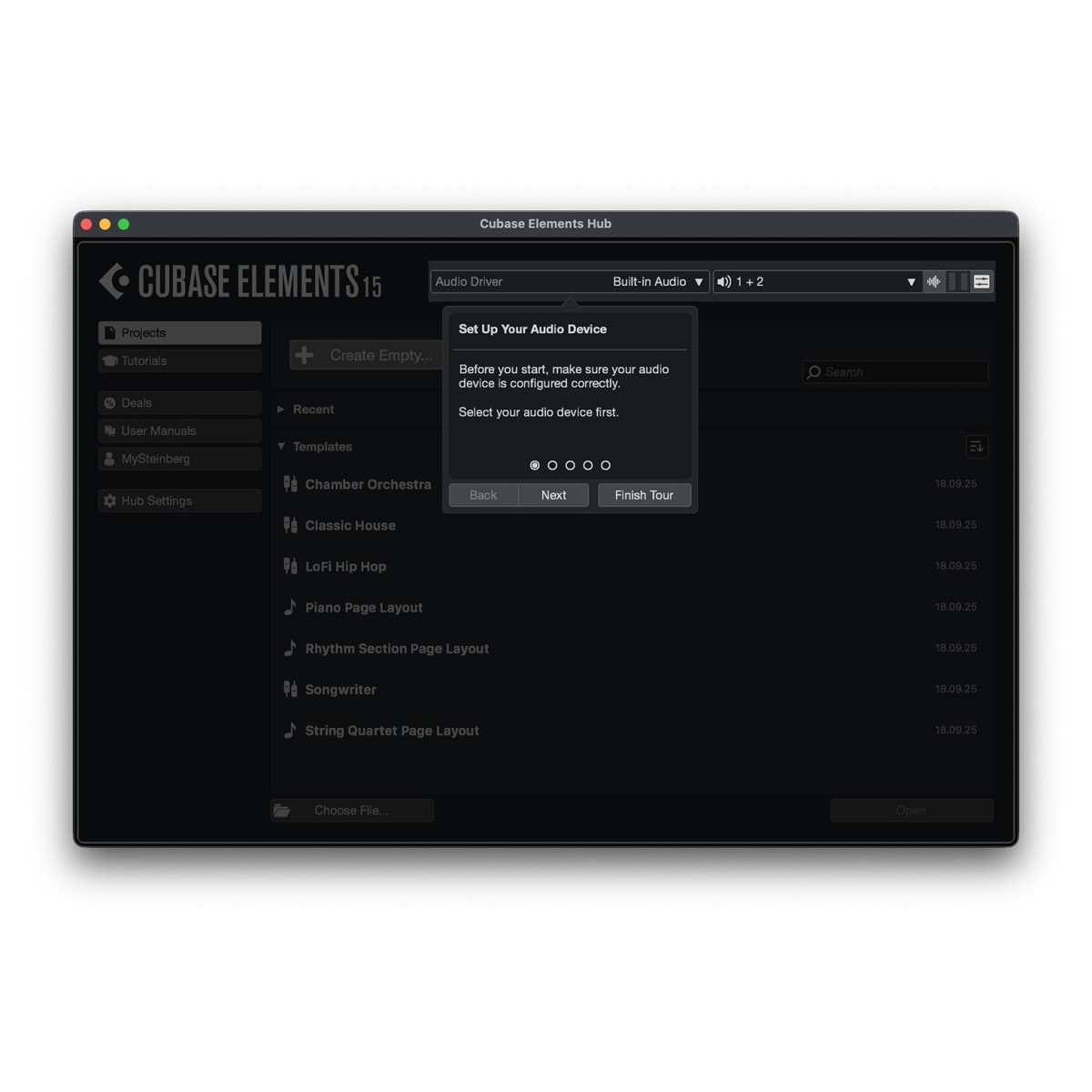
Steinberg has brought a range of enhancements to Cubase 15 Elements to make the creative process more intuitive. The updated Score Editor has been completely redesigned, offering improved notation tools and visual clarity for writing and arranging music. This makes it ideal for those who prefer to work with sheet music or are scoring for film and media. Meanwhile, the redesigned Hub helps you get started instantly with searchable templates, audio setup tools, and a preview system that puts your recent projects within easy reach. These improvements make setup quicker and navigation smoother than ever.
Automation has been simplified too. The new “Last Touched First” feature highlights your most recently edited parameter, while streamlined menus make managing automation data quicker and more intuitive. Add to that the ability to apply volume and pan directly within the Track Controls area, and you’ve got a workspace built to help you stay creative without interruption.
Sounds, instruments, and inspiration included
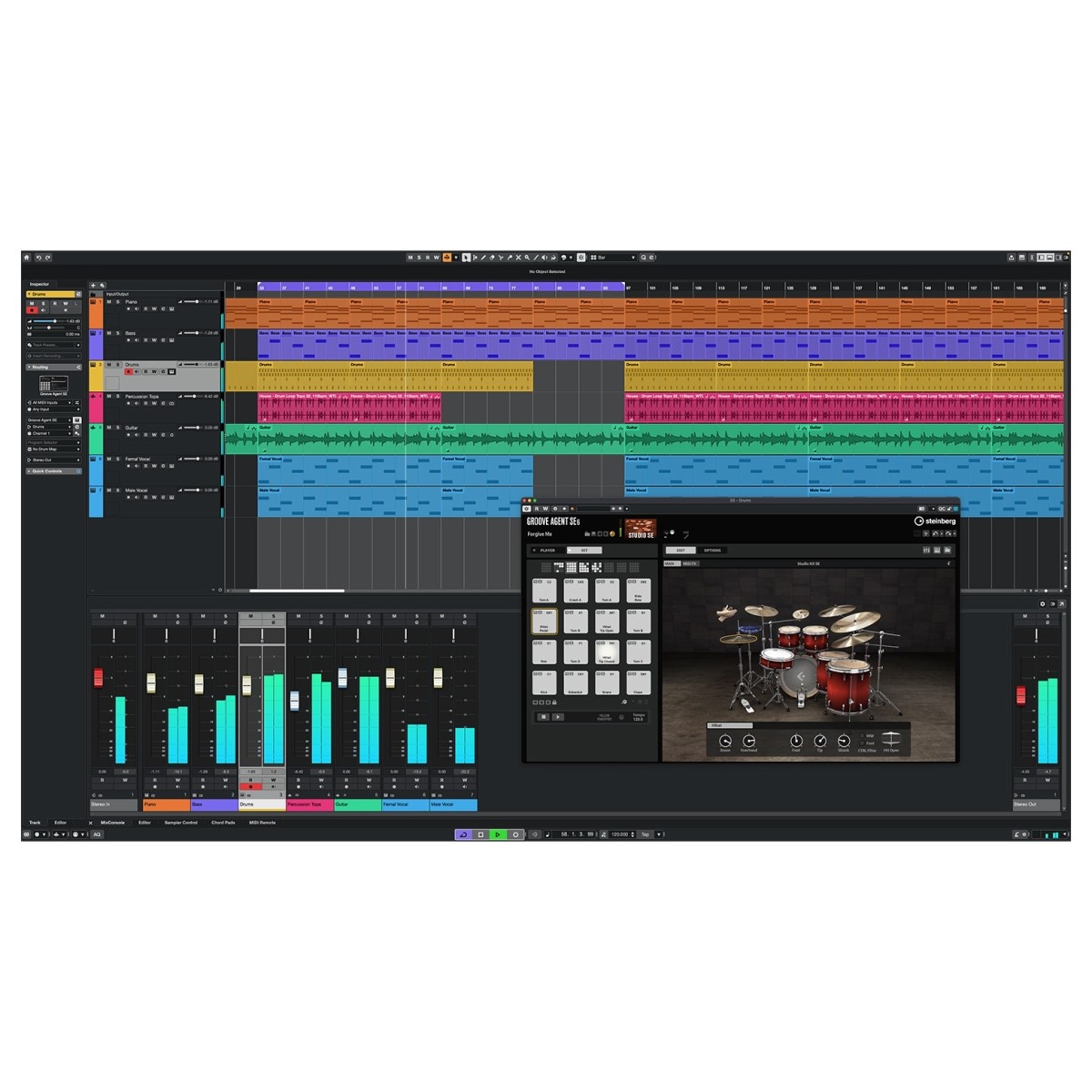
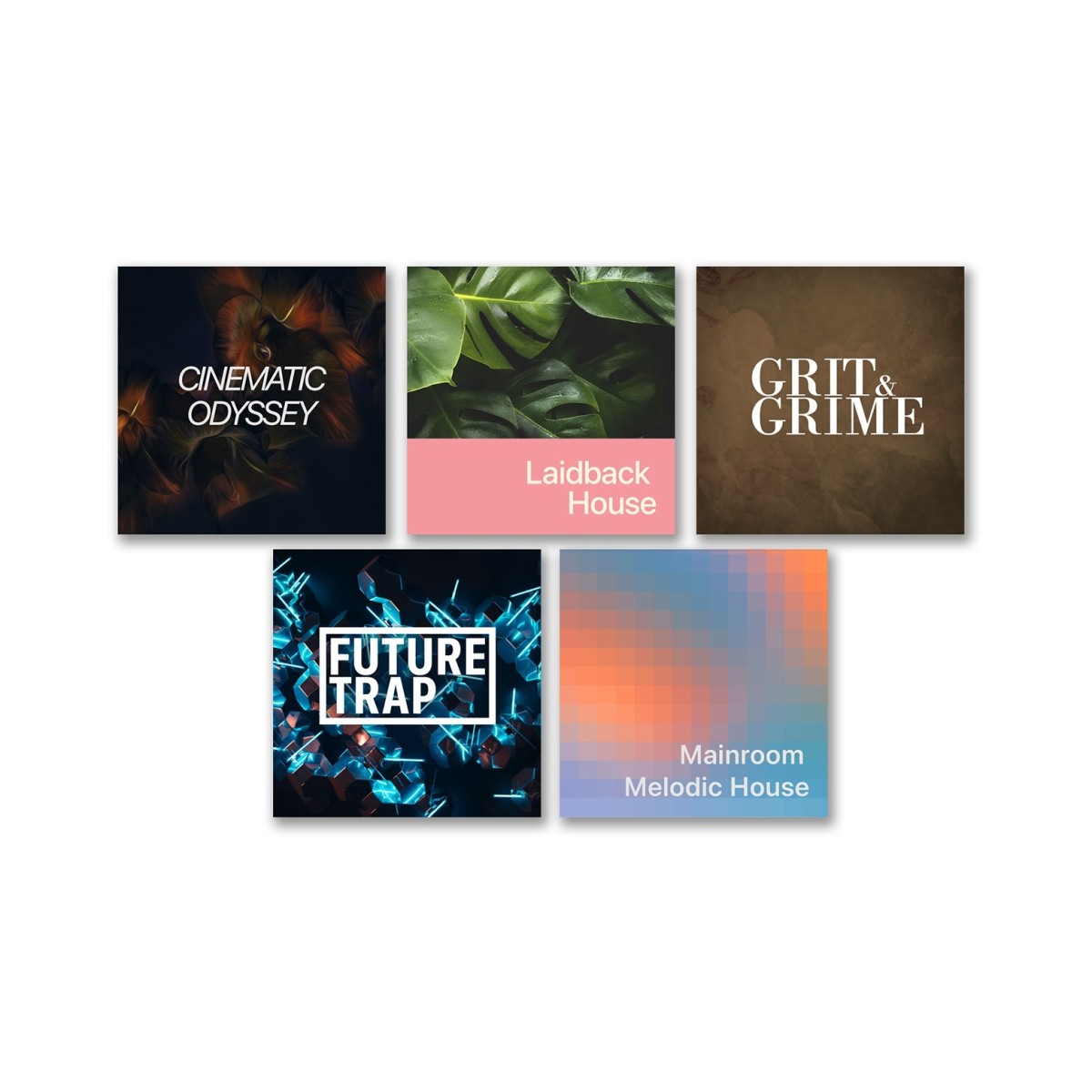
Cubase 15 Elements is packed with high-quality sounds and instruments to kickstart your creativity. You’ll find a rich collection of virtual instruments and effects, from pianos and synths to pads and drums. Groove Agent SE 6, now with an improved interface and enhanced effects, brings dynamic drum programming within easy reach. It’s supported by an expanded library of loops and samples, including genre-spanning Songstart packs and 30 Chord Pad presets designed to inspire quick progression ideas. Whether you’re producing pop, rock, electronic, or ambient music, you’ll have the sounds you need to shape your signature style.
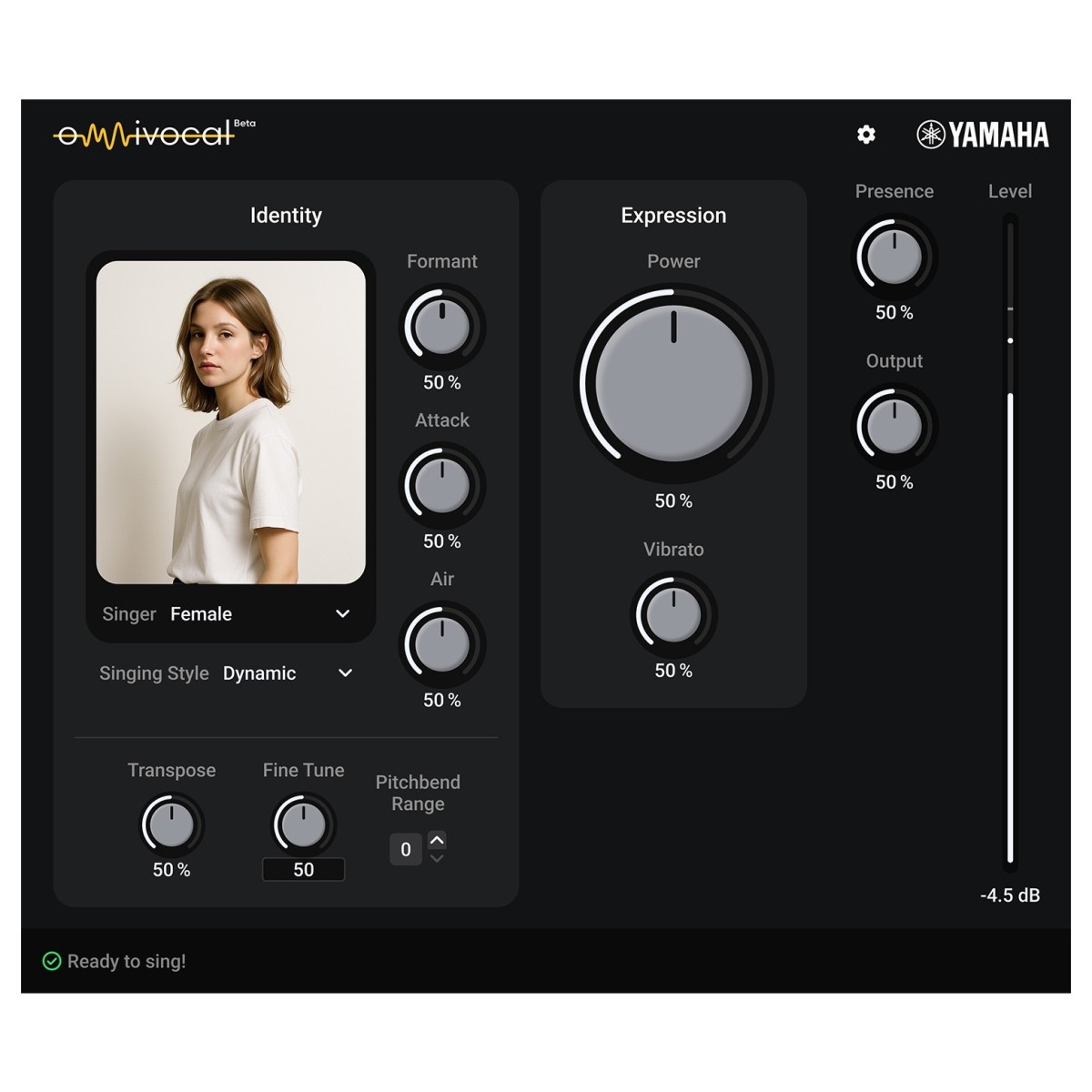
The new Omnivocal feature adds something truly unique, it lets you sing through your MIDI keyboard. Enter melodies and lyrics via MIDI to generate natural-sounding vocals instantly. This revolutionary approach to vocal synthesis means you can experiment with vocal lines even if you don’t have a singer or microphone to hand. Combined with new Chord Pad presets, melodic randomisers, and streamlined media browsing, Cubase 15 Elements helps you stay inspired from the first note to the final mix.
Mixing and editing made easy
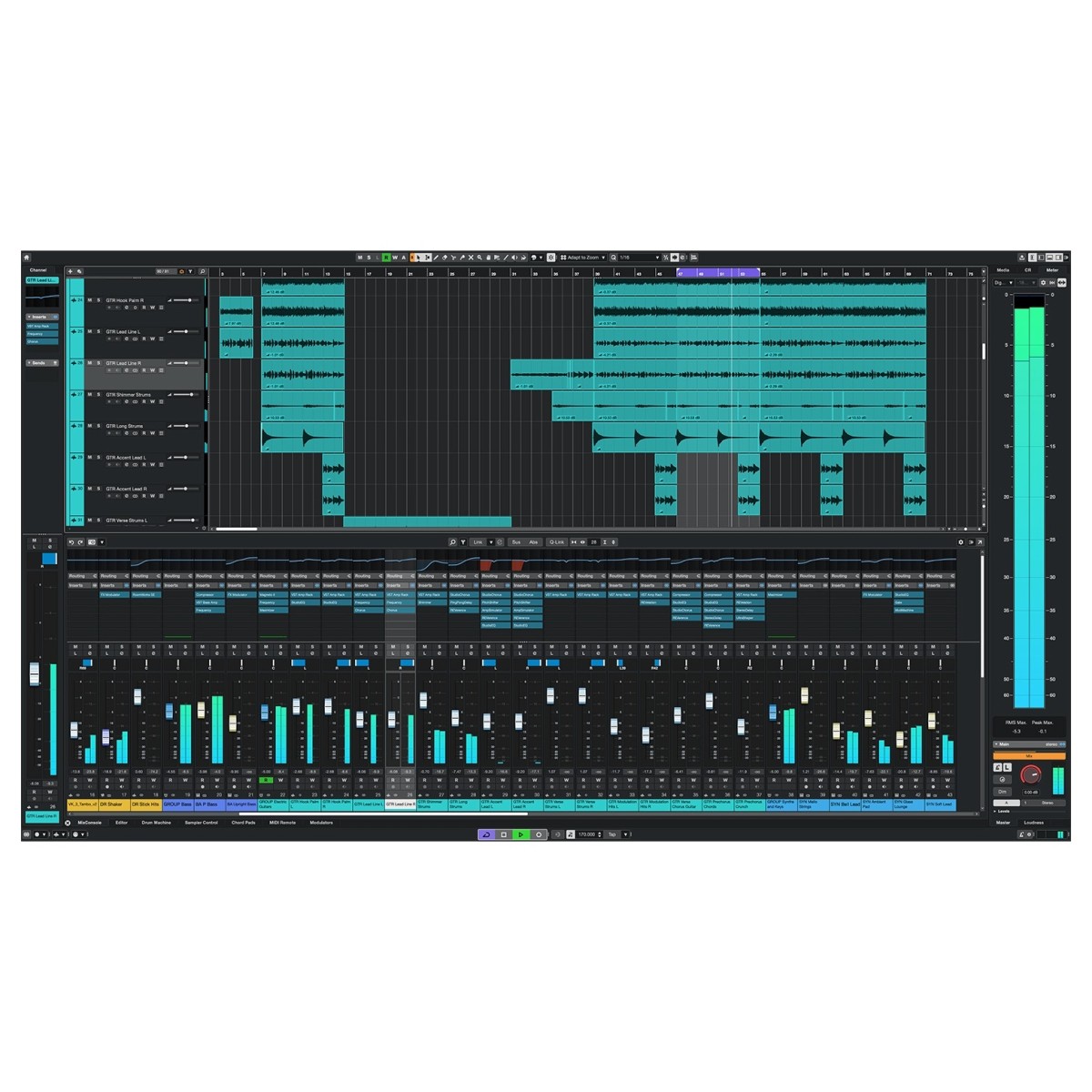
The MixConsole in Cubase 15 Elements gives you professional control without complexity. You can adjust levels, apply EQ, and route signals easily through a modern, clean interface. With scalable plugin windows and full-screen support on Mac, you can tailor your layout for comfort and efficiency. Real-time visual feedback ensures you can see your mix evolve as you work, and flexible routing options let you set up headphone mixes or stem bounces in just a few clicks.
Editing is equally straightforward. You can correct timing issues with AudioWarp, adjust performance dynamics with Event Volume Curves, and apply creative effects through built-in VST plug-ins. If you’re working with vocals, Cubase’s intuitive pitch correction tools make refining performances simple and natural. Plus, thanks to SpectraLayers integration, you can dive deeper into spectral editing to fine-tune frequencies and remove unwanted artefacts. It’s everything you need to polish your tracks to a professional standard without unnecessary complexity.
Performance, collaboration, and reliability
Although streamlined for accessibility, Cubase 15 Elements doesn’t compromise on performance. It shares the same solid audio engine found in Cubase’s professional editions, ensuring stable, reliable operation across sessions of all sizes. You can trust it to handle everything from simple demos to multi-track arrangements with ease. For Mac users, pinch-to-zoom gestures and full-screen support make editing tactile and intuitive, while scaling across all built-in plug-ins ensures a comfortable workspace on any display.
The new DAWProject format opens up flexible collaboration, allowing you to share projects between Cubase, Cubasis, and other supported DAWs without losing structure or mix data. Whether you’re swapping ideas with friends or working across devices, you can move seamlessly between platforms. Regular updates from Steinberg ensure ongoing compatibility and new feature additions, keeping Cubase 15 Elements up to date with the latest creative tools and improvements.
A creative platform built for growth
Cubase 15 Elements offers an easy way to start making professional music without the steep learning curve. Its refined interface, generous instrument library, and streamlined mixing tools provide everything you need to create, while leaving room to grow as your skills develop. It’s built to support your journey from the first song ideas in your bedroom studio to more complex productions down the line. And because it shares the same workflow and core technology as Cubase Artist and Pro, upgrading later is seamless when you’re ready for more advanced features.
Whether you’re producing your first track, arranging a film cue, or simply exploring your creativity, Cubase 15 Elements gives you a smooth, enjoyable introduction to professional music production.
Features
- 46 audio effects, 7 instruments and over 25GB of samples and loops included
- Redesigned Hub with startup previews, search filters and audio setup tools on launch
- Improved automation shortcuts with “Last Touched First” with faster, simplified automation workflows
- Add Volume and Pan controls directly to the Track Controls area and customize the layout per track type
- 30 brand-new Chord Pad presets for jazz, soul, pop and indie chord voicings
- Fuel your sessions with genre-spanning loop packs and samples for quickly getting ideas flowing
- Omnivocal (beta) offers a revolutionary vocal synthesis, allowing you to enter notes and sing lyrics via MIDI
- Groove agent SE 6 provides new UI, mixer and effects for a streamlined drum programming workflow
- Native Mac fullscreen support
- DAWProject for all lets you share projects easily between every edition of Cubase and other supported DAWs
- Updated Quick Export options let you render audio faster than ever before
- All stock effects plugins now feature a user-defined scalable interface
- Instantly swap and replace samples with the MediaBay using Hot Swap
- Use pinch gestures on Mac to effortlessly zoom the timeline
Specifications
- Operating system:
- Mac: macOS Sequoia, macOS Sonoma and macOS Tahoe (Apple Silicon Native and Rosetta 2 support)
- Windows: Windows 11 and Windows 10 (64-bit)
- CPU:
- Mac: Intel Core i5 or later and Apple Silicon
- Windows: Intel Core i5 or AMD Ryzen 3000 or later
- RAM: 8GB
- Disk space: 85GB
- Display resolution: 1440 x 900
- Activation: Internet connection is required for activation. Account setup and production registration is required. Download is required for installation.
- Product code: 92489